Withdrawing from an exchange to your own wallet: preparing, checking and receiving BTC
A BTC withdrawal has two sides: the request at the exchange and the receipt in your own wallet. A practical procedure helps you check the network, the address, the net amount and the status of the transfer.
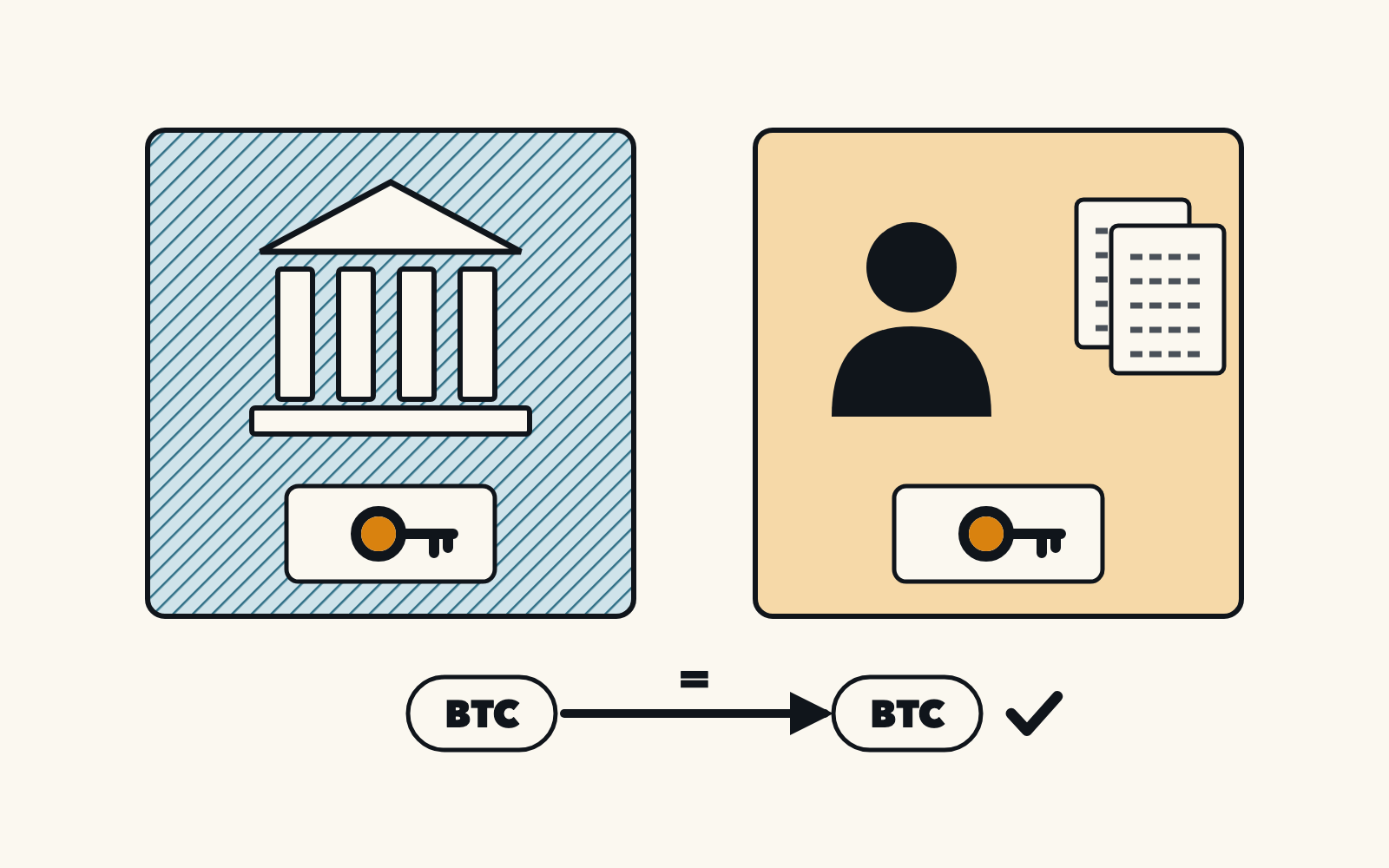
The illustration contains Czech text and has not been localised.
You've bought bitcoin on an exchange and want to move it to a wallet whose keys you control. How do you check that it reaches the right destination and that you receive the expected amount after any fee? These steps cover withdrawals over the main Bitcoin network (on-chain). Button names vary by exchange. The steps here are based on the documentation.
1. Prepare the receiving side before the withdrawal request
Open your own wallet and make sure the intended account is selected. Using its official documentation, check that your backup is complete and that you understand how recovery works. Do not enter your backup words anywhere for the withdrawal. If you are unsure about any of this, postpone the withdrawal and read the guide to storing bitcoin safely first.
Self-custody makes you responsible for the keys and the backup, and lost access may not be recoverable. A destination labelled “wallet” does not by itself make the withdrawal safe. How to protect a backup is described in Bitcoin.org: security and backup.
At the same time, check on the exchange how much you can actually withdraw. Bitcoin you have just bought may not be available for withdrawal straight away. Kraken, for example, states that it may temporarily hold withdrawals after certain purchases or deposits, or for security reasons. Check the exact conditions with your own service.
2. Obtain an address for the right network
In your wallet, choose to receive BTC on the Bitcoin network and copy the address from the intended account. On the exchange, select the same asset and network. Pause the withdrawal if you're unsure. Trezor's documentation warns that funds sent over a network the destination address does not support can be lost. Verify the network before sending.
In this article, the address is replaced by a plain label, OWN WALLET DESTINATION. It is not a valid address, so do not copy anything from it. Nor should you use an address from an article, an advert or a message from someone who is “helping you complete” a purchase.
3. Compare the pasted address with the wallet
Copy the address into the recipient field on the exchange and compare the full address with your verified source again. Check the address after pasting it, not just the original copy: malware on your computer or phone can swap it during copying. If you use a device with a trusted display, compare the pasted address with the display as the manufacturer describes.
Follow the official Trezor Suite desktop guide to connect and unlock your device. On the dashboard, open Receive, choose Bitcoin and select the intended account. Paste the address into the exchange's withdrawal field. In Suite, select Verify and compare the full address on the device with the pasted address before confirming the withdrawal.
For any other wallet, follow its own instructions. If the address does not match, or you cannot verify it, do not confirm the withdrawal. A matching address alone does not mean the whole operation is in order.
4. Find out how much leaves and how much is due to arrive
Before you choose an amount, find out the withdrawal minimum, the fee and the net amount the recipient will get. Check whether the amount you enter is what leaves your account, or what the recipient should receive with the fee added on top. A field label without an explanation is not enough.
The service's withdrawal fee is not necessarily the same as the network fee for the whole Bitcoin transaction. To decide, you need to know the total deducted on the exchange and the amount you expect to receive. Kraken, for example, lists withdrawal minimums and notes that fees may change and differ from the published table, with the final fee shown at confirmation. Do not treat amounts from a fee schedule as fixed.
5. Decide on a possible test transfer
If you are doing this for the first time, you might consider a smaller test transfer first, provided minimums and costs allow it. This is our editorial suggestion, not a rule, and there is no universal “right small amount”. If the minimum or the fee makes no sense relative to the amount you intend to move, go back to your plan rather than increasing your deposit just to follow a guide.
A successful test transfer verifies only that one transfer. It does not replace checking any further address, network or amount. A second withdrawal may cost another fee under the service's fee schedule. Do not send the rest automatically until you have confirmed the result of the test.
6. Model: a fee deducted from the amount
The figures in this model are invented and do not come from any current fee schedule. You have 100,000 satoshis (sat) available. A fictitious service charges 1,000 satoshis for each withdrawal and deducts the fee from the amount entered. We assume both withdrawals meet its minimum and that there are no other costs.
| Model step | Decrease at the exchange | Fee | Receipt in your own wallet |
|---|---|---|---|
| Test withdrawal | 10,000 sat | 1,000 sat | 9,000 sat |
| Another separate withdrawal | 90,000 sat | 1,000 sat | 89,000 sat |
| Total | 100,000 sat | 2,000 sat | 98,000 sat |
A single withdrawal of 100,000 satoshis would yield 99,000 satoshis under the same conditions. The 1,000-satoshi difference is the second fee. The model does not recommend any particular amount or number of transfers. If your service adds the fee on top, adjust the calculation to its actual confirmation summary.
7. Go through a final check before confirming
- Is it BTC and the Bitcoin on-chain network supported by the receiving account?
- Does the whole string of the pasted address match the verified destination of your own wallet?
- Do you understand the amount deducted from the exchange, the fee and the amount for the recipient?
- Does the request meet the minimum, and is it not blocked by a restriction that has been announced?
- Do you have a backup ready, and do you know where you will follow the receipt?
If you cannot answer one of the questions, go back to that step. Confirm by email or any other verification only through the service's official procedure. Trezor states explicitly that an exchange may briefly hold a withdrawal or ask you to confirm it by email, and that these are the exchange's rules, not the wallet's.
8. Verify the result on both sides
First check the status of the request in the exchange's history. Then, in the receiving wallet, compare the transaction, the destination account and the expected net amount. The incoming payment may at first appear as unconfirmed, and Bitcoin.org points out that the time to confirmation is not guaranteed. What the transaction identifier and the number of confirmations mean is explained in the guide to verifying a TXID.
If the request is still pending at the exchange and you have no sign that it has been broadcast to the network, do not treat it as waiting for an already sent transaction to confirm. If the exchange reports that it has been sent but the result does not match, first clarify the original request with official support. Repeating the withdrawal does not fix anything by itself. This is a general procedure, not a diagnosis of a specific service's status.
When resolving a problem, share only the details needed to trace the transfer. Never send anyone your recovery phrase or private key. If the withdrawal is made conditional on an unexpected further deposit to someone else's address, stop and go through the warning signs of crypto scams. Even a technically correct transfer should not be used to pay for an unverified promise.